Can You Buy a Maryland Fishing License on Your Phone?
There’s nothing quite as frustrating as waking up with that sudden urge to hit the water, or realizing mid-drive to your favorite fishing spot that your Maryland fishing license has expired. The thought of having to find a brick-and-mortar store, deal with office hours, or even just fire up a bulky desktop computer can be a real buzzkill when all you want to do is get your line wet. Thankfully, in this modern age, those days of scrambling are largely behind us. Yes, you absolutely can purchase a Maryland fishing license right from the palm of your hand, using your smartphone! This guide will walk you through exactly how to do it, making sure you spend less time on paperwork and more time reeling in your next big catch.
The Convenience of Mobile License Purchase in Maryland
The Maryland Department of Natural Resources (DNR) has really stepped up its game in recent years, understanding that anglers need flexibility and ease of access. The ability to purchase or renew your fishing license on the go, from virtually any location, has been a game-changer for many. It removes a significant barrier to spontaneous fishing trips and ensures you're always compliant with the law.
Maryland DNR's Go Outdoors System for Mobile Anglers
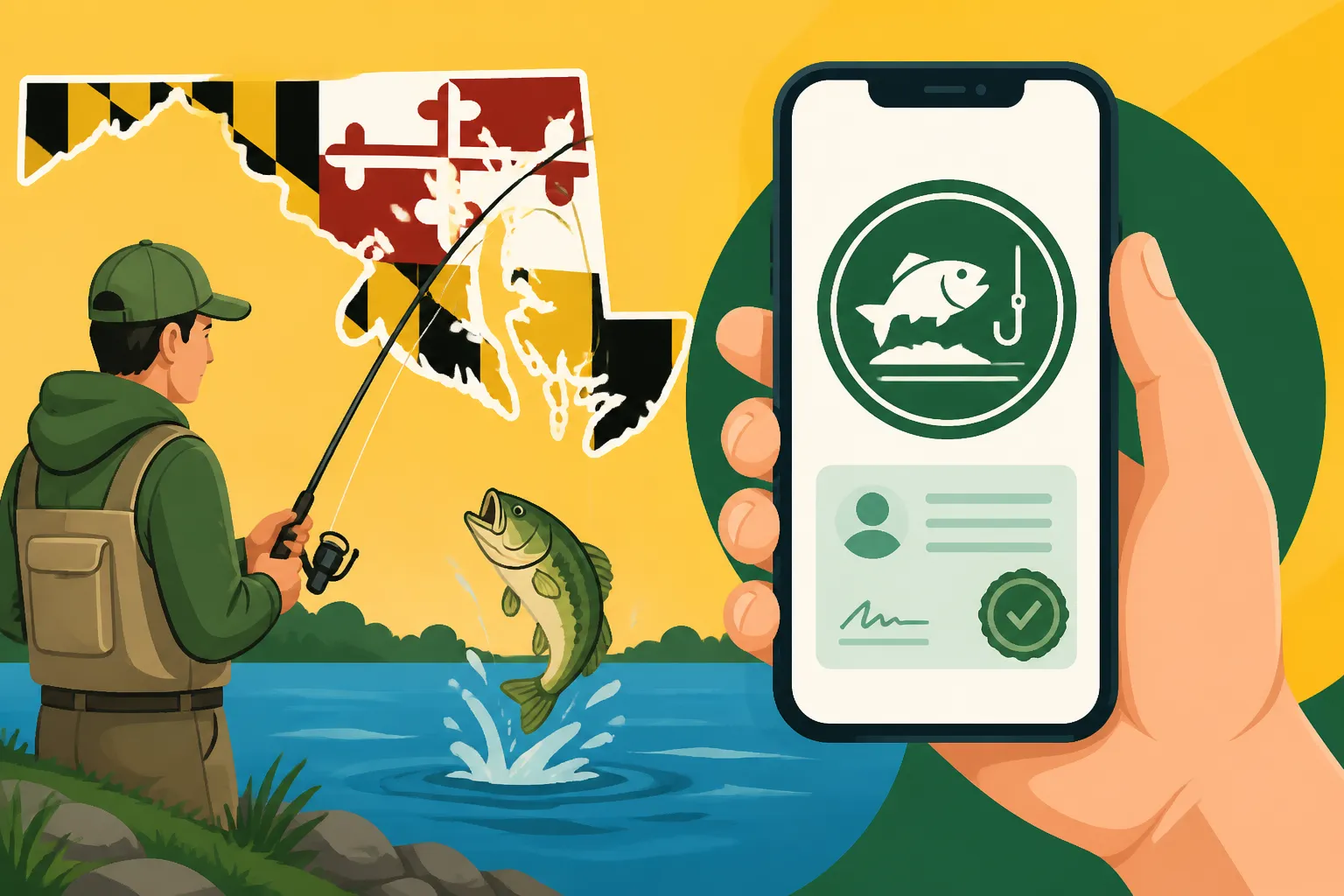
The heart of Maryland's digital licensing system is the "Go Outdoors Maryland" platform. This isn't just a basic website; it's a comprehensive, mobile-friendly portal designed specifically for hunters, anglers, and boaters. It means you don't necessarily need to download a separate app taking up precious space on your phone. Instead, you can simply open your phone's web browser, navigate to the Go Outdoors Maryland site, and find everything you need.
This system is a huge relief when you consider the alternative. Imagine driving all the way to a local tackle shop or a DNR service center, only to find they're closed, have a long line, or are out of the specific license you need. With the mobile system, as long as you have an internet connection – whether it's through your home Wi-Fi, a coffee shop hotspot, or your cellular data – you're good to go. This convenience is priceless for busy individuals or those who decide last-minute to enjoy a beautiful day on the water.
What You Need Before You Start the Mobile Process
Before you dive into the digital purchase, it's a good idea to gather a few pieces of information. This will make the process much smoother and prevent you from having to backtrack or search for details while in the middle of a transaction. Having these items ready will feel a lot like prepping your tackle box before a trip – it saves you headaches later.
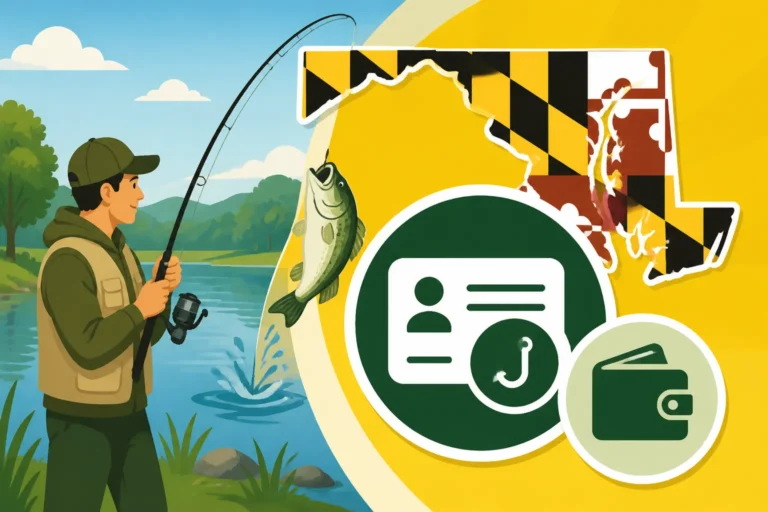
First and foremost, if you've ever had a Maryland DNR license or permit before, you likely have a unique DNR ID number. Having this handy will allow the system to quickly pull up your existing profile, saving you the trouble of re-entering all your personal data. If you don't have one, no worries; the system will help you create one as part of the new user registration. You'll also need a valid form of identification, typically your driver's license number, along with your full name, current address, and date of birth. This ensures that the license is issued to the correct individual and that you meet any residency requirements.
Finally, and perhaps most importantly, you'll need a valid payment method. Most major credit and debit cards are accepted on the "Go Outdoors Maryland" platform. Make sure your card information is up-to-date and that you have sufficient funds or credit available. Beyond these details, ensure your phone has a decent battery charge and a stable internet connection. And if you're thinking about needing new fishing line or a tackle box for your trip, remember you can always order those from sites like Amazon for delivery right to your door, sometimes even before your license arrives in the mail if you opt for a physical copy.
Step-by-Step Guide to Buying Your License on Your Phone
The process of buying your Maryland fishing license on your phone is remarkably straightforward once you know where to go and what to look for. It’s designed to be intuitive, even for those who aren’t the most tech-savvy. Think of it as charting a course to your favorite fishing spot – a little planning and navigation, and you'll get there.
Navigating the Go Outdoors Maryland Website
To begin, simply open the web browser on your smartphone (Safari for iPhones, Chrome for Androids, or whatever you prefer) and type in "Go Outdoors Maryland" into the search bar, or directly navigate to the Maryland DNR's licensing portal. The website is optimized for mobile viewing, meaning it will adjust nicely to your screen size, making buttons and text easy to read and interact with.
Once on the site, look for prominent links like "Buy Licenses and Permits" or "Renew Licenses." If you're a returning user, you'll want to log in using your existing DNR ID and password. If this is your first time, you'll be prompted to create a new customer profile. The system is pretty good at guiding you through this, often asking for your driver's license number to automatically find or create your profile based on state records. This is crucial for distinguishing between a Resident vs Nonresident Fishing Licenses in Maryland. Take your time here to ensure all your personal details are accurate, as this information will be printed on your license.
Choosing the Right Maryland Fishing License for Your Needs
This is perhaps the most critical part, as Maryland offers a variety of fishing licenses tailored to different types of angling and angler demographics. It’s not a one-size-fits-all situation, and picking the wrong one could mean you're not legally covered for the type of fishing you plan to do. For a truly deep dive, check out our Maryland Fishing License Guide for 2026.
You'll need to consider several factors:
- Residency: Are you a Maryland resident or an out-of-state visitor? Nonresident licenses typically cost more.
- Water Type: Do you plan to fish in freshwater (like lakes and nontidal rivers) or saltwater (like the Chesapeake Bay and its tidal tributaries, or the Atlantic Ocean)? This is the core difference between a Maryland Nontidal vs Tidal Fishing License, Explained. Some licenses cover both, like the popular Bay & Coastal Sport Fishing License, which is essential for most anglers targeting species like striped bass.
- Duration: Do you need an annual license, or are you just planning a short trip? Maryland offers convenient options like the Maryland 7-Day Fishing License Options, perfect for vacations or a quick weekend getaway.
- Additional Stamps/Permits: If you plan to fish for trout, you'll almost certainly need a Maryland Trout Stamp Requirements in addition to your base fishing license. For seniors, there's often a discounted Maryland Senior Consolidated Sport Fishing License that can be a great value. Also, don't forget the specific Maryland Chesapeake Bay Sport Fishing License Explained for those who primarily fish the Bay.
To help you visualize, here's a quick comparison of some common license options:
| License Type | Target Angler | Primary Waters Covered | Cost Factor (Approx.) |
|---|---|---|---|
| Resident Annual Nontidal | MD Resident | Freshwater lakes, ponds, nontidal rivers | Low |
| Resident Annual Bay & Coastal | MD Resident | Chesapeake Bay, tidal rivers, Atlantic Ocean | Medium |
| Resident Consolidated | MD Resident | Freshwater, Bay, Coastal, + Hunting | High |
| Nonresident Annual Nontidal | Out-of-state Angler | Freshwater lakes, ponds, nontidal rivers | Medium |
| Nonresident 7-Day Bay & Coast | Out-of-state Angler | Chesapeake Bay, tidal rivers, Atlantic Ocean | Medium (short-term) |
| Trout Stamp (Add-on) | All Anglers | Designated trout waters (in addition to base) | Low |
Carefully read the descriptions for each license type on the "Go Outdoors Maryland" website to ensure you select the one that best matches your fishing plans.
Completing Your Purchase and Receiving Your License
Once you've selected your license(s) and any necessary stamps, the system will guide you to a secure payment gateway. Double-check your order summary to ensure everything is correct before entering your credit or debit card details. Confirm the purchase, and you'll typically receive an immediate confirmation email.
This confirmation email often includes a temporary license or a link to your digital license. This is crucial: in Maryland, your license is often valid immediately upon purchase. You can either save a digital copy of your license (a screenshot of the PDF or the emailed confirmation) directly to your phone, or if you have a printer nearby, print a physical copy. Carrying this digital or printed proof is essential. Natural Resources Police officers will accept a digital copy on your phone, but it's always a good idea to protect your device with a waterproof case, easily found on Amazon, when you're out on the water. If you prefer a physical license, Maryland DNR usually mails one to you within a few weeks, but your immediate digital proof suffices until it arrives. This instantaneous access is one of the biggest benefits of purchasing your license via your phone. For more details on this, you might find our guide on How to Renew a Maryland Fishing License Online helpful.
Common Pitfalls and Troubleshooting for Mobile Purchases
While buying a license on your phone is incredibly convenient, sometimes technology throws us a curveball. It’s always good to be prepared for potential hiccups, just like having a backup lure in your tackle box.
Technical Glitches and Website Issues
Occasionally, you might encounter slow loading times, browser incompatibility issues, or even payment processing errors. These can be incredibly frustrating, especially if you're trying to get out the door quickly.
If the website feels sluggish, try clearing your phone's browser cache and cookies, or switch to a different web browser. Sometimes, a specific browser might have trouble with certain website elements. If your payment isn't going through, double-check all your card details for typos. Ensure your internet connection is stable; a weak signal can cause transactions to time out. If all else fails, wait a few minutes and try again. Sometimes, the system just needs a moment, or there might be a brief server-side issue that resolves itself quickly. Remember, patience is a virtue, especially when dealing with technology or trying to land a trophy fish.
Incorrect Information and How to Correct It
Mistakes happen, whether it's a typo in your address, an incorrect date of birth, or accidentally selecting the wrong type of license. Realizing you have incorrect information on your license after purchase can be a headache, and more importantly, it could potentially lead to issues if you're checked by a Natural Resources Police officer. They take accurate identification seriously, and fishing with an invalid license, even due to a simple mistake, could lead to Maryland Fishing License Penalties for Violations.
If you notice an error immediately after purchasing, check your confirmation email for instructions on how to modify your profile or contact support. For more complex issues or if it's been a while since your purchase, your best bet is to directly contact the Maryland DNR licensing division. Their contact information is usually found on the "Go Outdoors Maryland" website. Be prepared to provide your DNR ID and details of the error. They are typically helpful in rectifying these kinds of situations, but it’s always best to be diligent during the initial input.
"Go Outdoors Maryland" Account Access Problems
Forgetting passwords or having trouble logging into an existing "Go Outdoors Maryland" account is a common frustration. If you can't remember your login details, look for a "Forgot Password" or "Forgot DNR ID" link on the login page. You'll typically be asked to enter your email address or some identifying information (like your driver's license number) to recover your account.
If you continue to have persistent login issues, it might be worth trying to create a new profile if you're certain you don't have an existing DNR ID. However, if you suspect you do have one but can't access it, contact the DNR directly. Having your DNR ID number on hand for all future transactions and inquiries will make the process infinitely smoother. It's your unique identifier within the system, much like your social security number or driver's license number is for other official matters.
Beyond the Phone: Other Ways to Get Your Maryland Fishing License
While purchasing your fishing license on your phone offers unparalleled convenience, it’s not the only way to get one. For those who prefer a more traditional approach, or in situations where a mobile purchase isn't feasible, Maryland still offers other viable options.
In-Person Retailers and Tackle Shops
For many anglers, visiting a local bait and tackle shop is part of the pre-fishing ritual. It's a chance to chat with fellow fishermen, get local tips, and stock up on gear. Maryland recognizes this and maintains a network of authorized license agents across the state. These often include:
- Local Bait and Tackle Shops: These are prime spots where you can often get real-time advice on what’s biting and pick up your license all at once.
- Sporting Goods Stores: Larger retailers like Bass Pro Shops or even general merchandise stores like Walmart and Kmart often have a customer service desk where you can purchase licenses.
- Maryland DNR Service Centers: These official offices can process licenses and provide additional information, though their hours might be more restrictive.
The benefit of in-person purchases is the immediate gratification of walking out with a physical license in hand and having someone guide you through the options. While you're there, you might grab some last-minute tackle. Or, if you prefer shopping for your gear from the comfort of your couch, you can always browse a huge selection of fishing essentials on Amazon. Just be sure to check the operating hours of any retailer before you make a special trip, as they can vary greatly, especially in smaller towns. If you're looking for more info on this, our guide on Where to Buy a Maryland Fishing License in Person can give you specific locations and tips.
Mail-In Applications and Their Drawbacks
For those who are truly without internet access or prefer a paper-based system, it is still possible to apply for a Maryland fishing license by mail. You can typically download a printable application form from the Maryland DNR website (if you can find an internet connection to print it) or request one by mail. You then fill it out, enclose payment, and send it off.
However, this method comes with significant drawbacks, particularly if you're looking to fish anytime soon. Mail-in applications can take several weeks to process and deliver your license. This means it's absolutely not an option for spontaneous trips or if you need to fish within the next month. The primary advantage of a mobile purchase is its immediacy, so relying on postal services will put you on a much longer timeline. For detailed information on how long various licenses last, you can refer to How Long a Maryland Fishing License Lasts.
Ultimately, the ability to purchase a Maryland fishing license on your phone is a fantastic modern convenience that empowers anglers to hit the water more easily and spontaneously. Embrace the technology, and you'll be spending less time dealing with bureaucracy and more time enjoying Maryland's incredible fishing opportunities.
Disclaimer
The information provided in this guide is for general informational purposes only and is subject to change. While we strive to keep the information up-to-date and accurate, fishing regulations and licensing procedures in Maryland are determined by the Department of Natural Resources (DNR) and can be modified at any time. Always consult the official Maryland DNR website or contact them directly for the most current and authoritative information before engaging in any fishing activities. Compliance with all state and federal regulations is the angler's sole responsibility.